I Let an AI Ad Tool Make Almost Every Creative Decision Except 3 Words
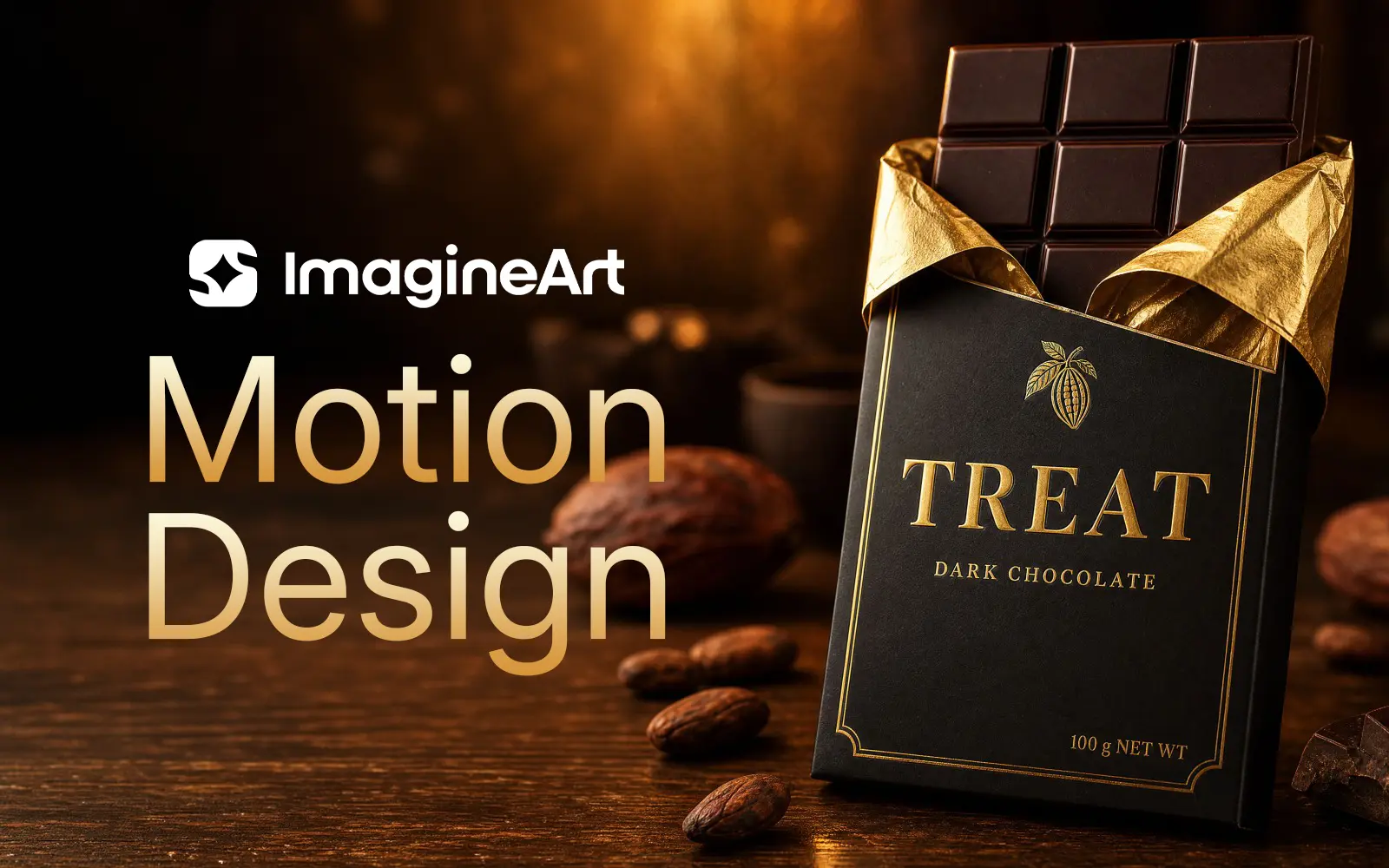
Here's the record of how a 15-second chocolate ad actually got made.
The Brief
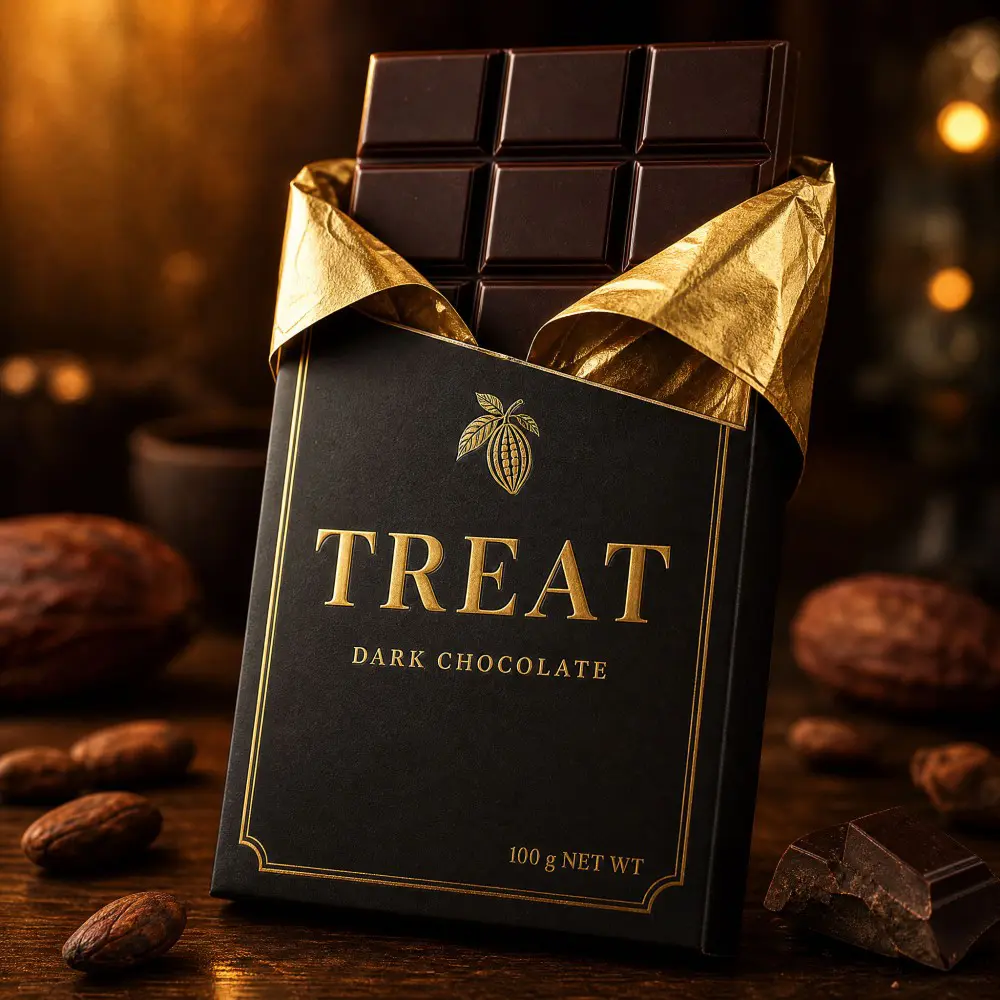
Spec ad: premium chocolate bar, brand "TREAT," black and gold packaging. Product photo already in hand — real product, ready to upload.
The tool: ImagineArt Ad Studio, specifically its Motion Design feature — you give it a product photo, it gives you back an ad video. My job: find out how little direction it actually needs to get there.
Why This Works: The Structure Does the Heavy Lifting
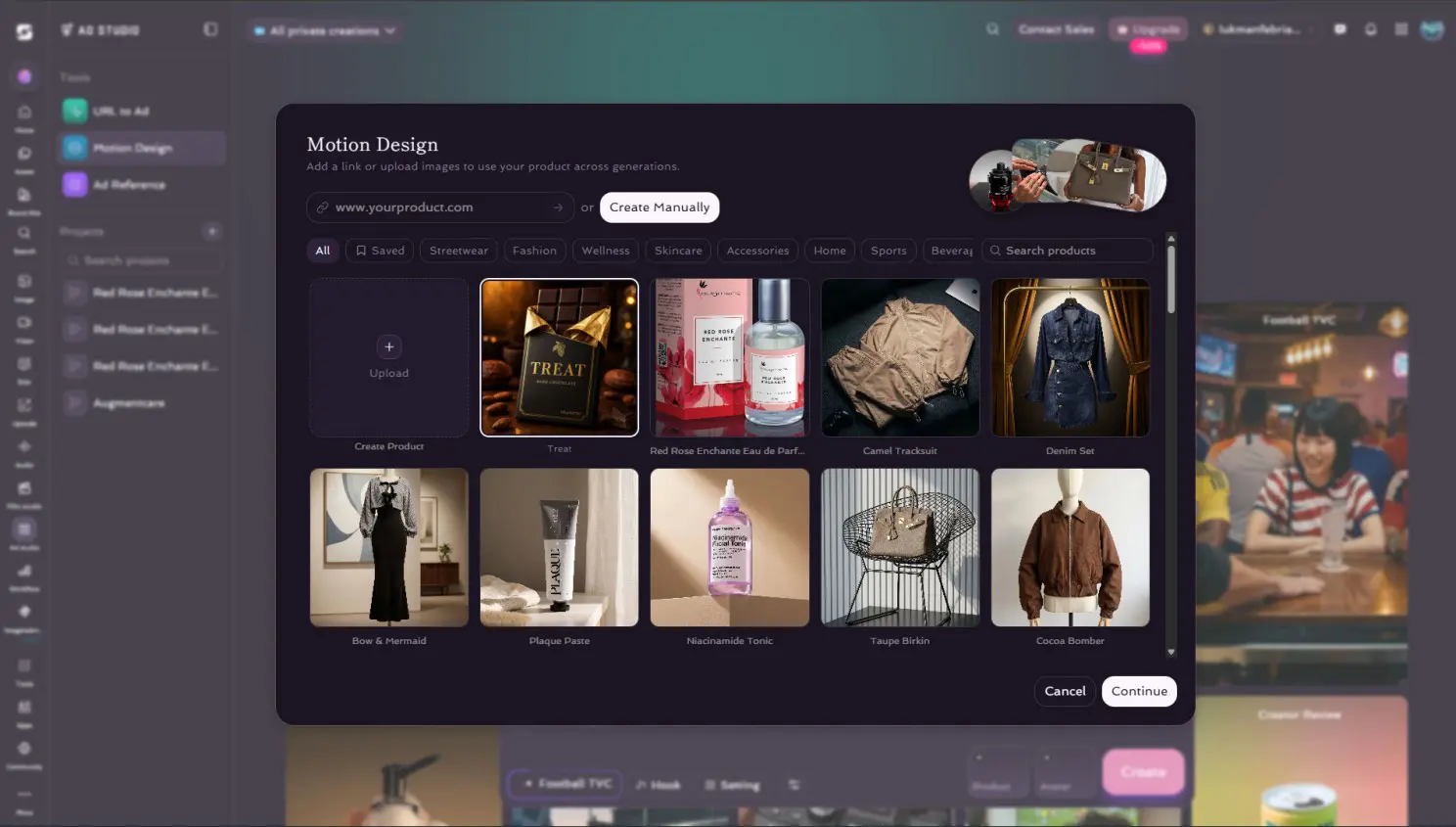
Before getting into what I did wrong, it's worth naming why the tool let me recover so easily. Motion Design isn't one big prompt box waiting for a miracle — it's four fixed stages, in order:
- Select the product — upload the photo, or pull it from a saved library.
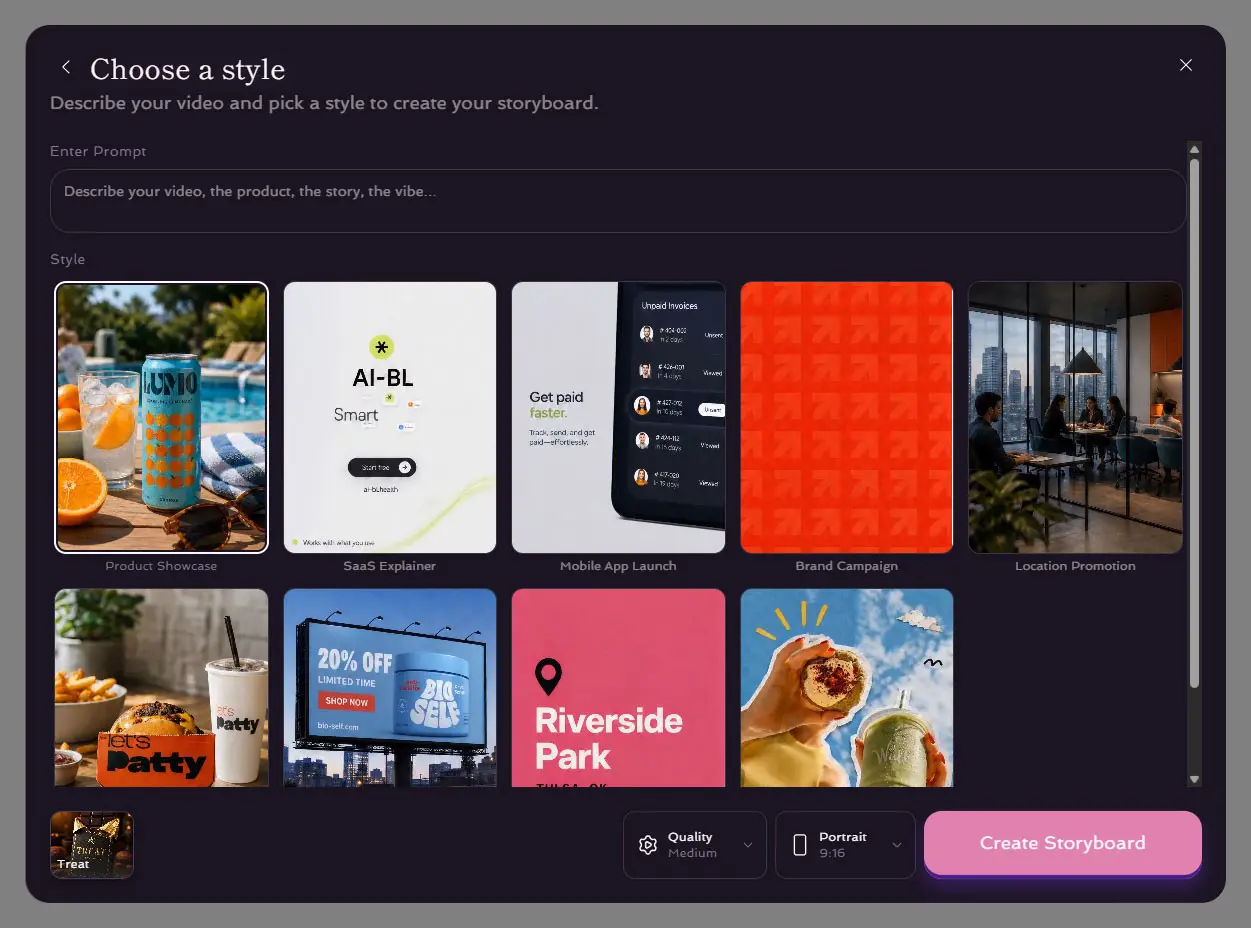
- Choose a style — pick a template (Product Showcase, Brand Campaign, etc.), and optionally add a short concept prompt.
- Edit the storyboard — review the frame grid before anything becomes a video. Reroll any frame that's off.
- Generate the video — the engine turns the approved storyboard into motion.
Each stage has one job and hands off a finished decision to the next. That's the actual reason a complicated prompt isn't needed — the structure already carries brand, style, and pacing logic before you type a single word. My job was never to describe a video from scratch. It was to make the right call at each of four checkpoints.
Directing Like It Was a Film Set (It Isn't)
First instinct: write a full shot list. Camera push-in here, orbit there, rack focus, lighting cues per beat, transition logic. Three paragraphs of direction for a 15-second clip.
It would have worked. But it missed the actual point of the tool.
Motion Design isn't a blank canvas waiting for a cinematographer's notes — it's built so you only need two inputs: a product photo, and the one thing that absolutely must survive no matter what the engine decides to do creatively. For most ads, that one thing is the message.
So I stripped the brief down to almost nothing: three words, positioned across the runtime — "Unwrap." early, "Pause." mid, "Taste." at the close, followed by the logo. No camera notes. No lighting instructions. Let the engine make every other creative call.
That's the real test: not "can I write a good prompt," but "do I know which 5% of this decision actually needs my hand on it."
The art direction prompt:
Artistic product showcase video for "TREAT" premium dark chocolate bar, no people, no hands — product is the sole hero. Portrait 9:16, 15 seconds. Three text moments must appear during the video, spaced naturally across the runtime, in elegant gold serif typography matching the TREAT brand logo: "Unwrap." — appears in the first third of the video "Pause." — appears in the middle third "Taste." — appears in the final third, followed by the TREAT logo and "DARK CHOCOLATE" wordmark as the closing frame Let the camera movement, pacing, and visual storytelling be creatively directed by the engine — warm, luxurious, unhurried mood, golden-hour lighting tones consistent with the product photography.
One Tip That Saves the Whole Video
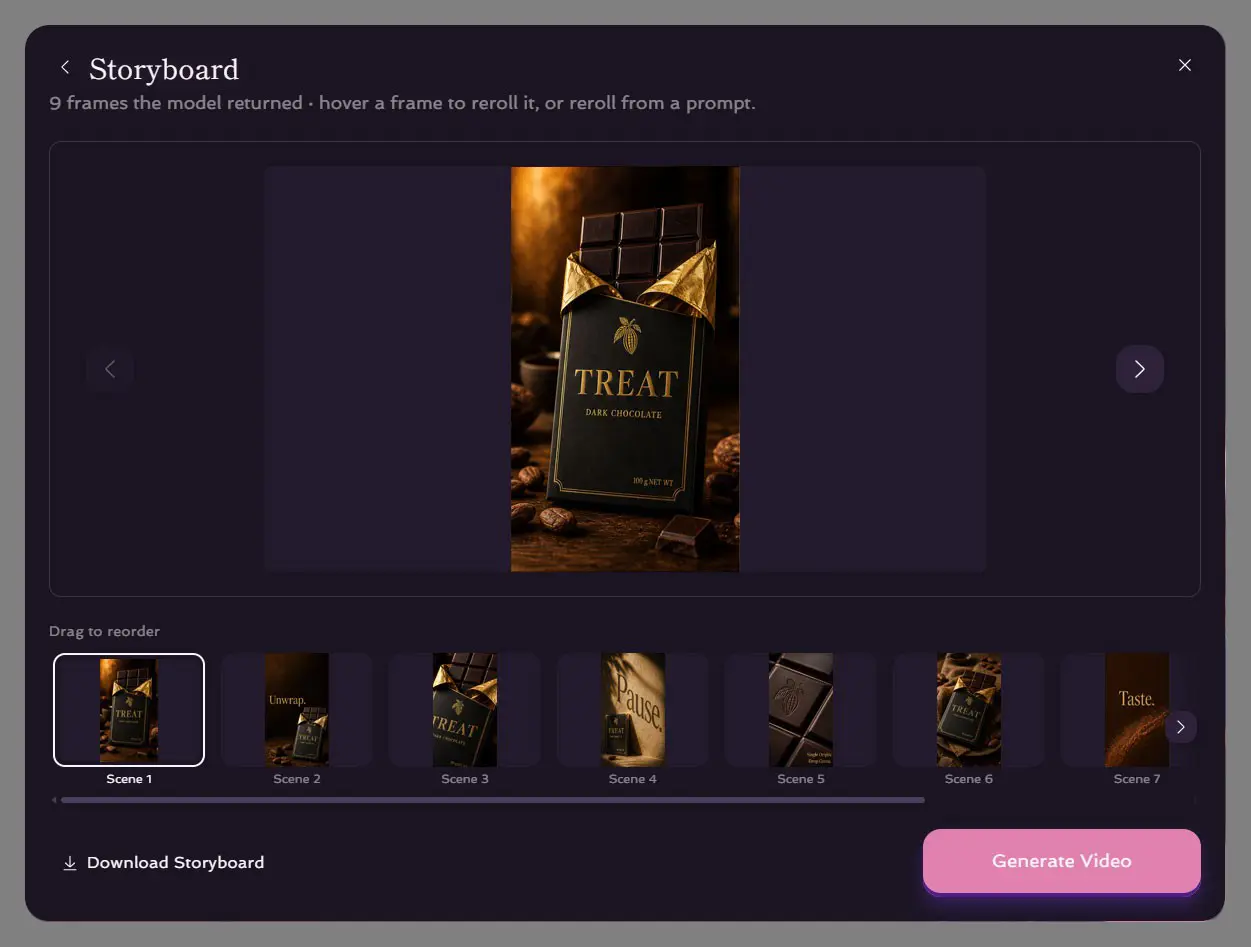
The engine returns a storyboard — a grid of frames — before it ever renders a single second of video. Review it before you generate anything.
Specifically: check the frame count. A 15-second video wants exactly 9 frames in the grid. That's roughly one clean beat every ~1.5 seconds — enough to breathe, not enough to feel chopped up. If the storyboard drifts past 9, the final video tends to feel crowded, cutting between too many ideas for the runtime to hold. Reroll until you get back to a clean 9. It costs you a minute, not a rebuild.
What the Engine Added on Its Own
Reviewing the surviving storyboard, one thing stood out that I never asked for.
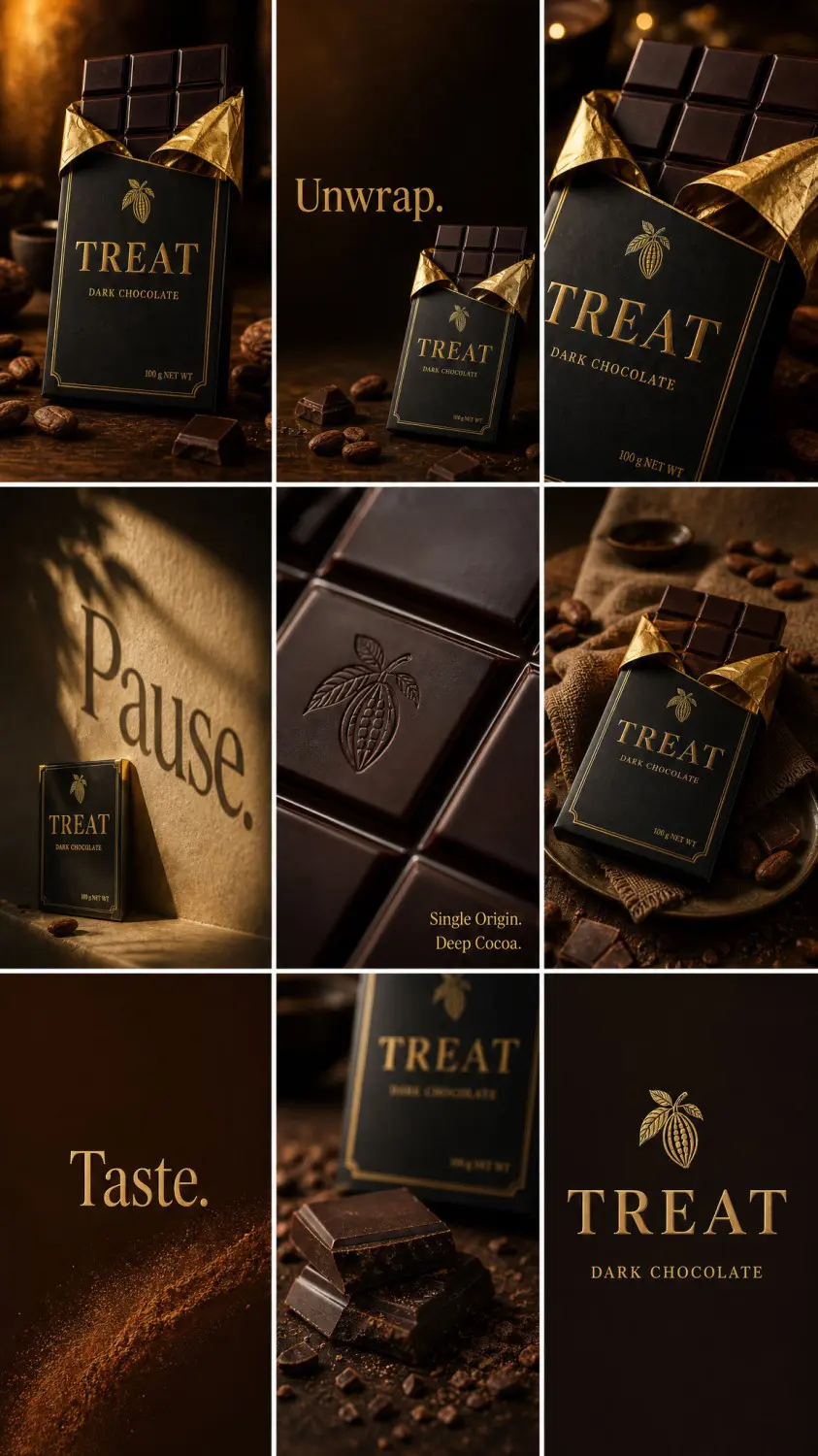
The engine invented a fourth line of copy I never wrote — "Single Origin. Deep Cocoa." — layered onto a macro close-up of the embossed cacao pod. I'd locked exactly three words: "Unwrap," "Pause," "Taste." It added a fourth entirely on its own initiative, and it was on-brand enough that removing it felt like a downgrade, not a fix.
This is the actual answer to "how far can the engine go": further than the brief, and not always wrong.
The Result
Fifteen seconds. Three locked words landing exactly where they were placed. One bonus line the engine chose to add. A closing brand lockup. Tone held consistent from the first frame to the last — nothing to stitch or color-match afterward.
Total creative input from me: a product photo, three words, and one storyboard reroll.
The Takeaway
Directing an AI tool isn't about writing more. It's about knowing exactly which few things are yours to decide, and letting go of the rest on purpose.
Genuinely curious where you land on this: would you rather hand a video ad to an automation engine like Ad Studio and steer just the essentials — or build it manually, prompt by prompt, keeping full control of every shot? And why?